What stays on the device
- Everything your child colors, and their saved drawings.
- Saved photo coloring pages in My Photos.
- Your grown-up settings and your choices.
- The anonymous account number, in the device Keychain.
We cannot see any of this.
Color Garden is for children, so we built it to collect as little as possible. Here is exactly what stays on the device, what leaves it, and how you stay in control.
We cannot see any of this.
Only a grown-up can trigger any of this, and only from the Grown-ups area.
If a grown-up makes a photo coloring page, the app shrinks the photo (longest side at most 1,536 pixels) and removes hidden details such as location and camera information. It is sent over an encrypted connection to our server, and from there to an outside AI service that checks it for safety and draws the coloring page.
A random number, made on your device, counts your credits and free tries and lets you ask us to delete your records. It is not linked to your name, your Apple Account or your device. The AI service does not receive it.
If you buy credits or Premium, Apple tells us a purchase happened, using the anonymous number as a reference. We never see your card or Apple Account details.
Honest caveat: an outside AI service does the drawing, and it follows its own data rules. We do not control its systems, so we cannot promise a photo is erased everywhere the instant we finish. We send it only the photo and our fixed instruction, never your name or account number. The privacy policy names the provider and explains its retention.
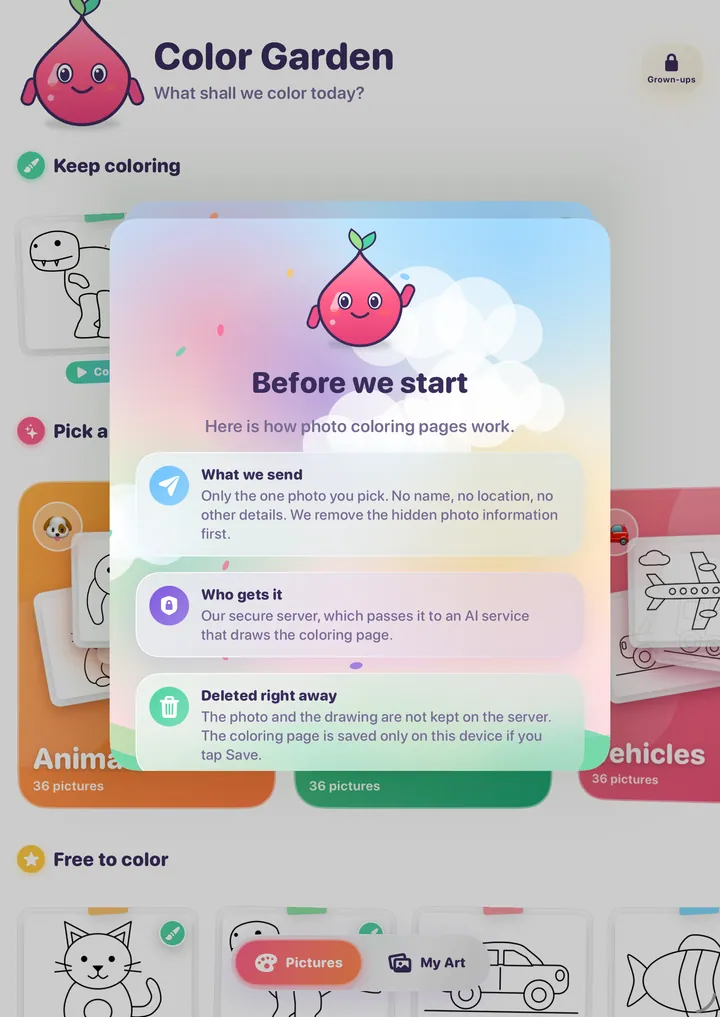
The notice a grown-up reads and agrees to before the first photo.
Everything that costs money, changes settings or sends anything off the device lives in the Grown-ups area. To open it, a grown-up passes a short challenge that is easy for an adult but hard for a young child, such as holding two buttons together or tapping shapes in a spoken order. If you prefer, you can use Face ID, Touch ID or your passcode instead.
There are no links out of the children's area, no chat, no ads and no social features.
Apple's Ask to Buy and Screen Time add further protection on the device.
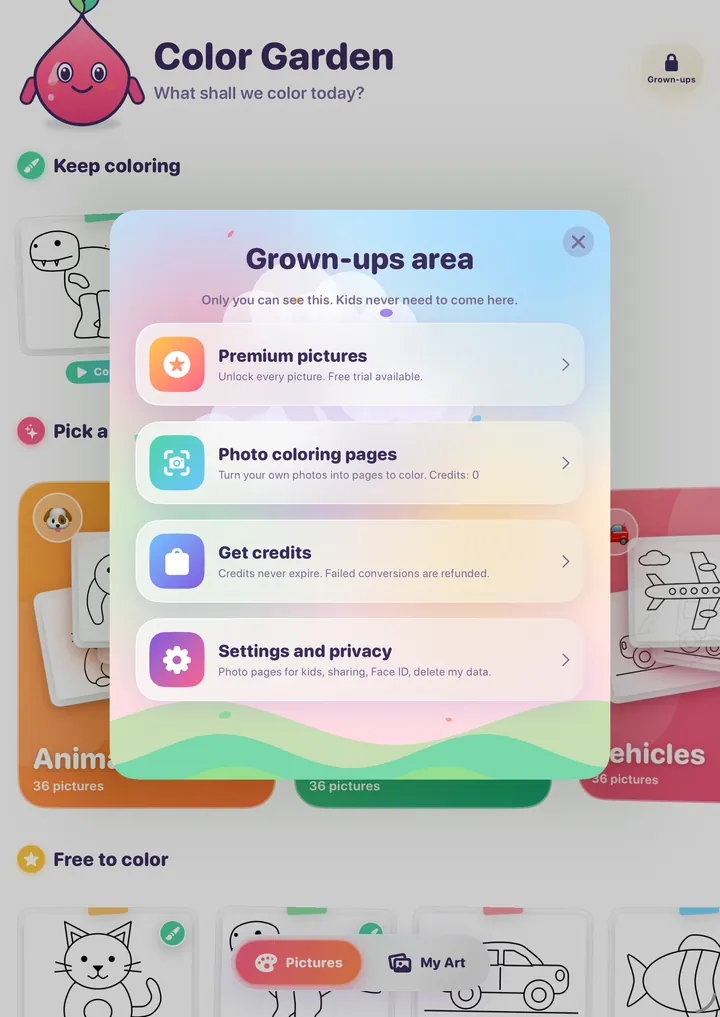
Read the full privacy policy and terms of use.
Color Garden is coming soon to the App Store for iPad and iPhone.
Coming soon to theApp Store
Coming soon to the App Store. Questions? [email protected]